
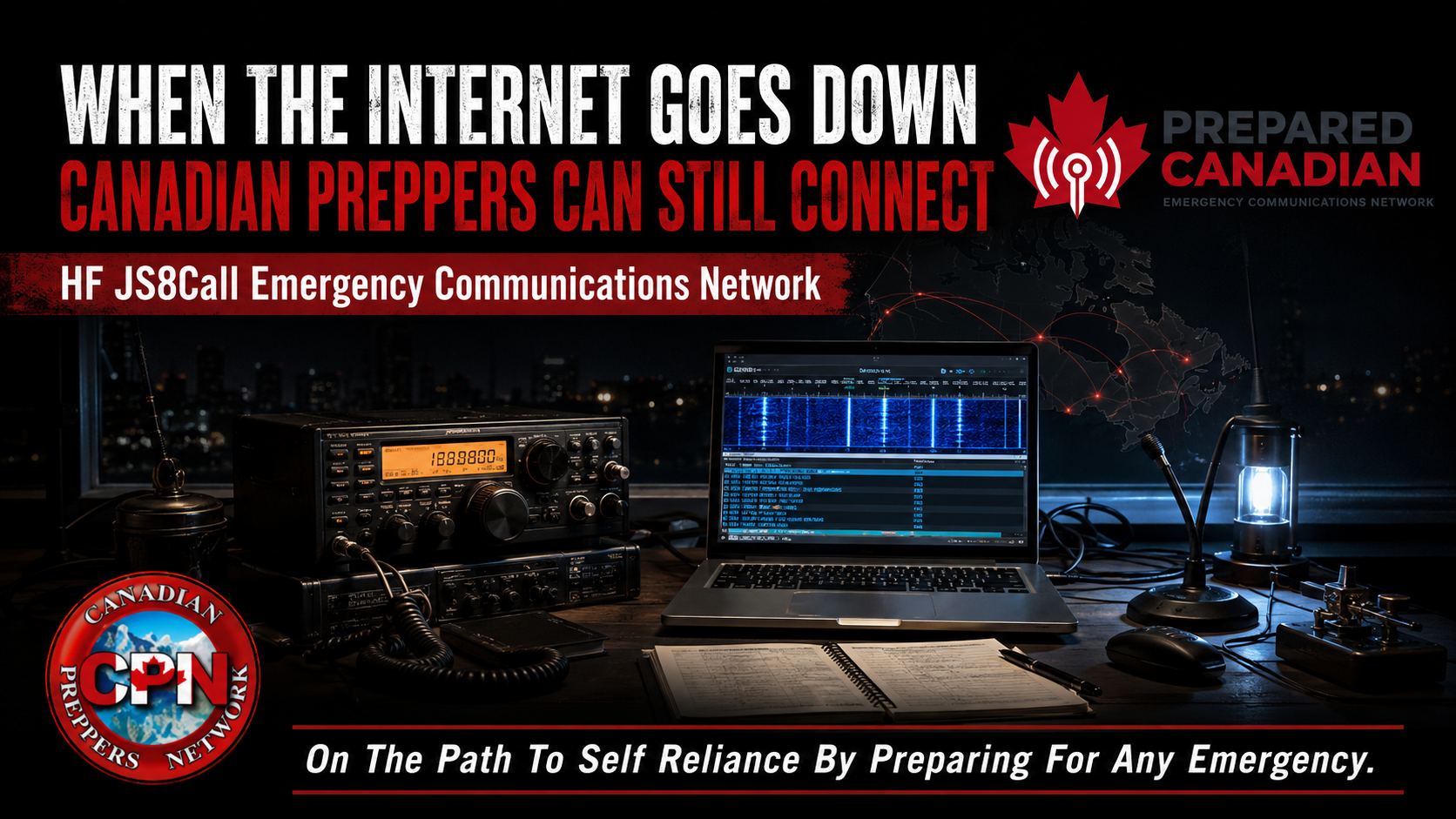
Prepared Canadian is building a private, membership-based JS8Call group for preppers who want dependable regional and nationwide communications.
Cellular networks and the Internet are convenient, but both depend on infrastructure that can fail during severe weather, extended power outages and other emergencies. Handheld radios are useful locally, but their direct range is limited, and repeaters may not remain available during a prolonged disruption.
HF amateur radio provides another option. With suitable equipment and operating conditions, stations can communicate across regions without relying on cellular towers, repeaters or the Internet.
That is the purpose of Prepared Canadian, a private, membership-based group created specifically for Canadian preppers to communicate with one another using JS8Call.
Its initial focus is dependable regional communication, regular practice and message relaying. As participation grows, regional groups could eventually connect as a nationwide Canadian preparedness network.
What Is JS8Call?
JS8Call is a digital amateur-radio mode that allows operators to exchange typed messages over HF radio.
Its weak-signal technology can sometimes decode messages under conditions where voice communication is unreliable. It also supports directed messages, station activity monitoring and relaying through participating stations.
This makes JS8Call well suited to a preparedness network. Operators can practise passing brief situation reports, checking the status of other stations and relaying messages between regions.
Prepared Canadian does not replace emergency services or established amateur-radio emergency organizations. It provides an additional way for Canadian preppers to communicate and practise together before ordinary systems become unavailable.
What “Private Group” Means
Prepared Canadian is not an open discussion forum. It is a controlled, membership-based group intended for licensed amateur-radio operators who identify with the preparedness community and want to communicate with other preppers.
Membership applications are reviewed rather than approved automatically. This helps keep the group focused on preparedness, responsible amateur-radio operation and regular participation.
Private membership does not make radio transmissions confidential. Anyone with suitable receiving equipment may hear or decode amateur-radio traffic. Canadian regulations also prohibit secret codes or ciphers intended to conceal the meaning of amateur communications.
Members should never transmit sensitive personal, medical, financial or security information over the air. The privacy applies to membership and internal group resources, not to the radio signal itself.
Licensing and HF Privileges
A Canadian Amateur Radio Operator Certificate and call sign are required before transmitting on amateur frequencies.
Prepared Canadian uses HF frequencies below 30 MHz. A Basic qualification earned with a mark between 70% and 79% permits operation on amateur bands above 30 MHz, but it does not provide the HF privileges needed to transmit as part of this network.
Canadian operators generally obtain access to the HF amateur bands through one of the following qualification combinations:
- Basic with Honours, earned by scoring at least 80% on the Basic examination
- Basic and Advanced qualifications
- Basic and Morse Code qualifications
- A Basic qualification issued before April 2, 2002, which carries equivalent HF operating privileges
Appropriately qualified operators must remain within the frequencies, bandwidths and power limits authorized by Innovation, Science and Economic Development Canada.
Current Canadian operating privileges are explained in ISED’s Information on the Amateur Radio Service.
What You Need to Build a Station
A basic JS8Call station consists of:
- An HF transceiver capable of single-sideband operation
- An antenna suitable for the HF bands being used
- A Windows, macOS or Linux computer
- JS8Call software
- A compatible USB connection or digital radio interface
- A dependable power supply
- The necessary radio, interface and antenna cables
- An antenna tuner when required by the antenna system
A modest laptop is usually sufficient. For emergency operation, a low-consumption computer with good battery life may be more practical than a desktop system.
Some modern HF radios transfer audio and radio-control data through a single USB cable. Other radios require a separate digital interface to pass audio between the computer and radio and activate the transmitter.
Installing and Configuring JS8Call
After installing JS8Call, enter your amateur-radio call sign, grid locator and station information.
The correct audio input, audio output and radio-control port must then be selected. JS8Call uses the computer’s audio system to create and decode digital signals. Selecting the wrong sound device can leave the software appearing to operate normally even though no useful signal is reaching or leaving the radio.
The computer clock must also remain accurate because JS8Call transmissions occur within timed intervals. Internet time synchronization is convenient during ordinary operation, but a prepared station should have another method of checking its clock when Internet service is unavailable. A GPS-based time source is one possible solution.
Connecting and Adjusting the Radio
Use the radio’s USB data mode when one is available. Otherwise, select upper sideband and disable speech compression, audio processing and other voice enhancements that could distort the digital signal.
Digital modes require clean audio rather than excessive audio.
Begin with low computer output and increase it gradually while watching the radio’s power and automatic level-control indications. Too much audio can overdrive the transmitter, create interference and make the signal more difficult for other stations to decode.
Receiving levels must also be adjusted. The signal entering the computer should be strong enough for reliable decoding without overloading the software’s audio input.
Record the working settings. Computer updates and USB-device changes can alter audio selections or levels unexpectedly.
Choosing an Antenna
The antenna has an enormous influence on station performance.
A correctly installed dipole can outperform an expensive radio connected to a poor antenna. End-fed wires can provide convenient multiband operation, while vertical antennas may be useful where horizontal space is limited.
Prepared Canadian is initially focused on regional communication. The most useful antenna is therefore not necessarily the one producing the longest contacts. Members need antenna and band combinations that can reliably reach stations within their own provinces and neighbouring regions.
No single band will work equally well at every hour. Regular network practice will help members determine which bands and operating times provide dependable coverage from their locations.
Preparing for a Power Outage
A grid-down station must power both the radio and computer.
Possible backup sources include:
- LiFePO4 or deep-cycle batteries
- Portable power stations
- Solar charging systems
- Generators with suitable charging equipment
HF radios consume considerably more power while transmitting than while receiving. JS8Call can often establish useful contacts without operating the radio at maximum power, helping conserve stored energy.
A network station does not necessarily need to operate continuously. Scheduled monitoring periods allow members to conserve battery capacity while still providing predictable opportunities to exchange messages.
Competencies Members Should Develop
Members do not need to begin as expert radio technicians. However, each station operator should work toward being able to:
- Operate within Canadian amateur-radio regulations
- Select an appropriate band, frequency, mode and power level
- Configure JS8Call and the computer’s audio devices
- Adjust transmit and receive audio correctly
- Keep the computer clock synchronized
- Install, tune and check an HF antenna
- Understand how distance, time and propagation affect band selection
- Write clear and concise messages
- Record and relay messages without changing their meaning
- Follow group call-up and monitoring procedures
- Operate the station from backup power
- Troubleshoot common software, cable, audio, antenna and power problems
These abilities develop through practice. One of Prepared Canadian’s purposes is to give members a place to develop and test them before an emergency occurs.
Making the First Contact
Once everything is connected, begin by listening. JS8Call’s activity window will display stations decoded on the selected frequency.
Before transmitting, confirm that:
- Your call sign and grid locator are correct
- Your qualification authorizes you to use the selected band
- The radio is on the proper frequency and mode
- Your computer clock is accurate
- The antenna is connected and tuned
- Audio levels are correctly adjusted
- Your transmitted signal is clean
Start with a short message and confirm that another station can decode it. From there, practise direct replies, scheduled check-ins and message relaying.
One successful contact proves that the station worked once. Regular practice determines whether it remains dependable at different times, on different bands and under changing conditions.
Join Prepared Canadian
Prepared Canadian is accepting applications from qualified Canadian amateur-radio operators who identify with the preparedness community and want to communicate with other preppers.
Experienced JS8Call operators are welcome, but so are qualified amateurs assembling their first digital station. The important requirements are a willingness to learn, practise, follow the group’s procedures and participate responsibly.
Join the Prepared Canadian Network
Learn more about the private JS8Call group and submit your membership application.
Owning radios does not automatically create a communications network. That network must be organized, tested and practised while normal communications are still working.
Free Canadian Grid-Down Starter Kit
Prepare the rest of your household for an extended power and communications outage with this free Canadian preparedness guide.